
This was an article idea I’ve had in mind for a while. Since we recently had an article about the costs involved with doing what we do I felt like now would be a good time to share how we put our projects together.
Choosing the Right Tools
Because I had done a good chunk of project management during my time in Corporate America I had exposure to a lot of project management tools. I did find a number of apps that work well within that context, but for us I had to consider two things:
What tools are the rest of the team willing to learn and use?
What makes sense for the information we wanted to share?
I’m going to focus on that second question first. If you look at project management tools that are out there they are really great for breaking things down into smaller pieces. Trello, Jira, Asana, Airtable, etc. But one thing I had noticed was that maybe breaking things apart into smaller pieces wasn’t the right approach. Bouncing from one card to another to get a cohesive understanding of the project especially with the team size we have may not have fit well.
Going back to the first question I had to think to myself “What else is everyone using now?” Thankfully I already had an answer for this. Tacocat and Allybelle were already using Google Sheets to keep track of the pieces needed for their costume builds. So I started diving into what Google apps could work well for collecting all the pieces behind our projects. And Google Slides ended up working well for us. It allowed us to have everything in one place but yet still have the info we needed in an easy to understand way. When we come up with an idea I start putting together what’s called a ‘Project Vision Document’. Felt that using a term I learned while in Corporate America really did fit.
One thing I want to point out here: everyone on the team has edit rights to the document. I explain the reason for that as we go on.
The Pieces
The Initial Project Vision Idea
What follows after the title slide will give a high level overview of what the project is about. Most of the time this will only need one slide though sometimes it will be two. Here I’ll reference some initial images of what spurred the idea in the first place. And every so often if someone else on the team was the one who came up with the idea they’ll write it.
The Inspiration
It’s pretty common for people to build ‘mood boards’ when putting together a photo project. To a degree we do that as well. But quite often we do go deeper than that. Here I’ll reference projects we’ve worked on along with some we want to do in the future to help illustrate what I mean by that.
For Weaving Together The Threads of History I knew we were not going to be able to replicate what we saw in the original art. But I knew the characters and the costumes would lend well to more of a 40’s/50’s/60’s fashion shoot style. Now I myself had studied the work of the likes of Richard Avedon, Irving Penn, etc. I knew the rest of the team hadn’t. Which is why I wrote about why I referenced them and how they could learn more.
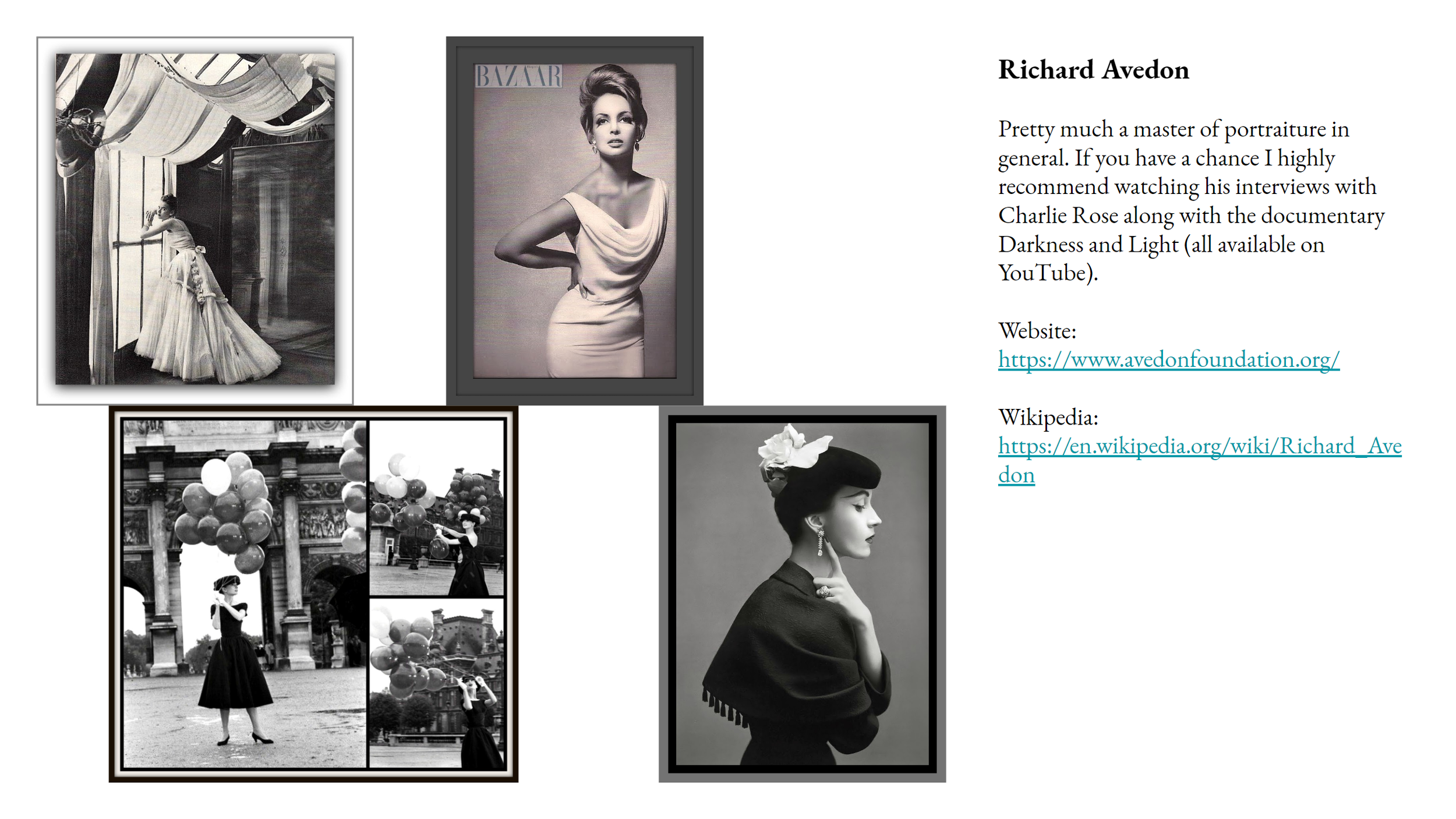
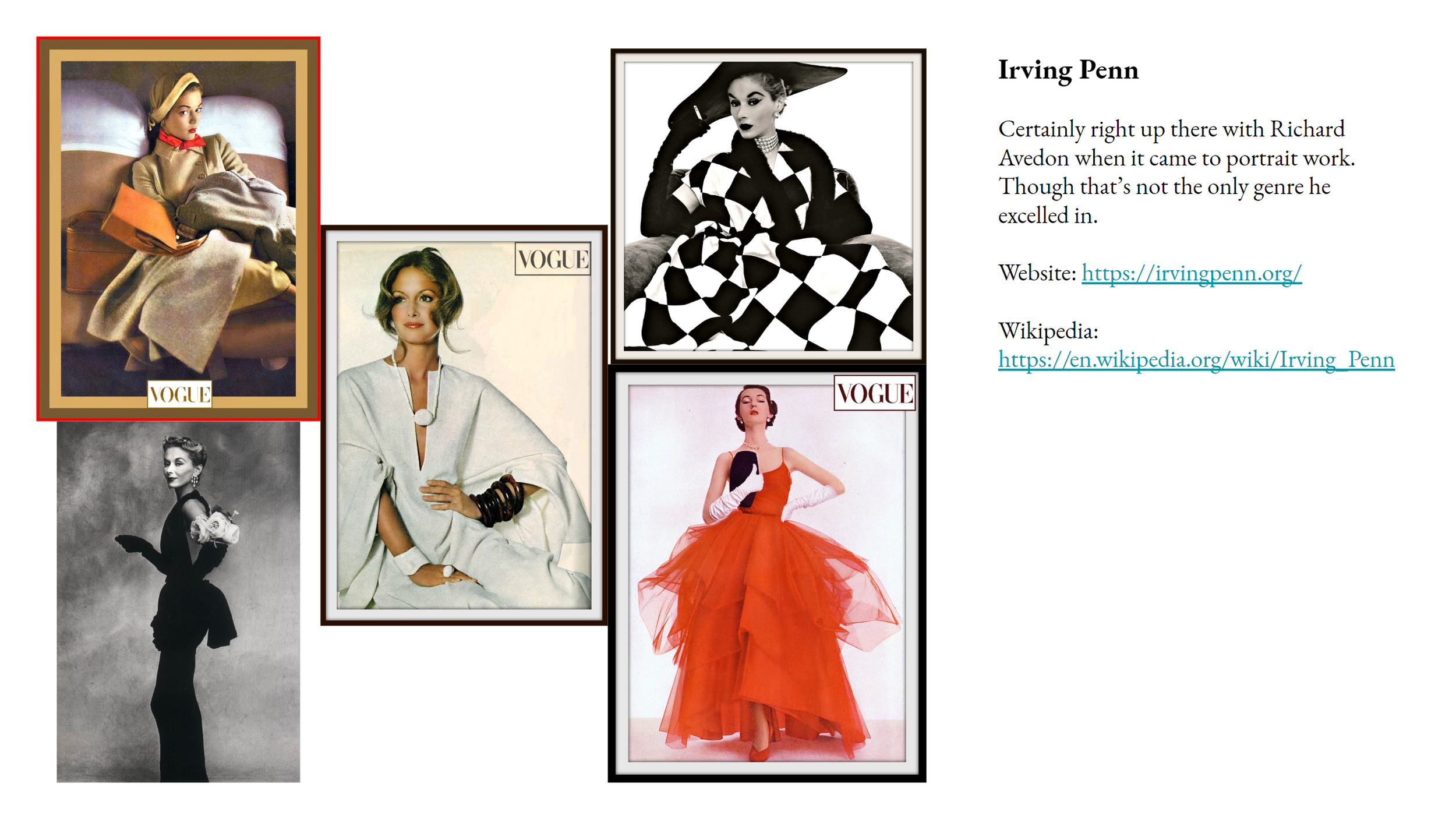
With the next couple of examples they’ll reference things we haven’t worked on yet. So some bits might be slightly redacted as to not fully give away the idea. :)
One project that we want to work on was heavily driven by Allybelle as a “love letter to music and theatre”. So a lot of what we both wrote about for the document reflected that, including a YouTube playlist for song ideas. Plus with how the character involved leans towards ‘sexy’ there were references to that as well.
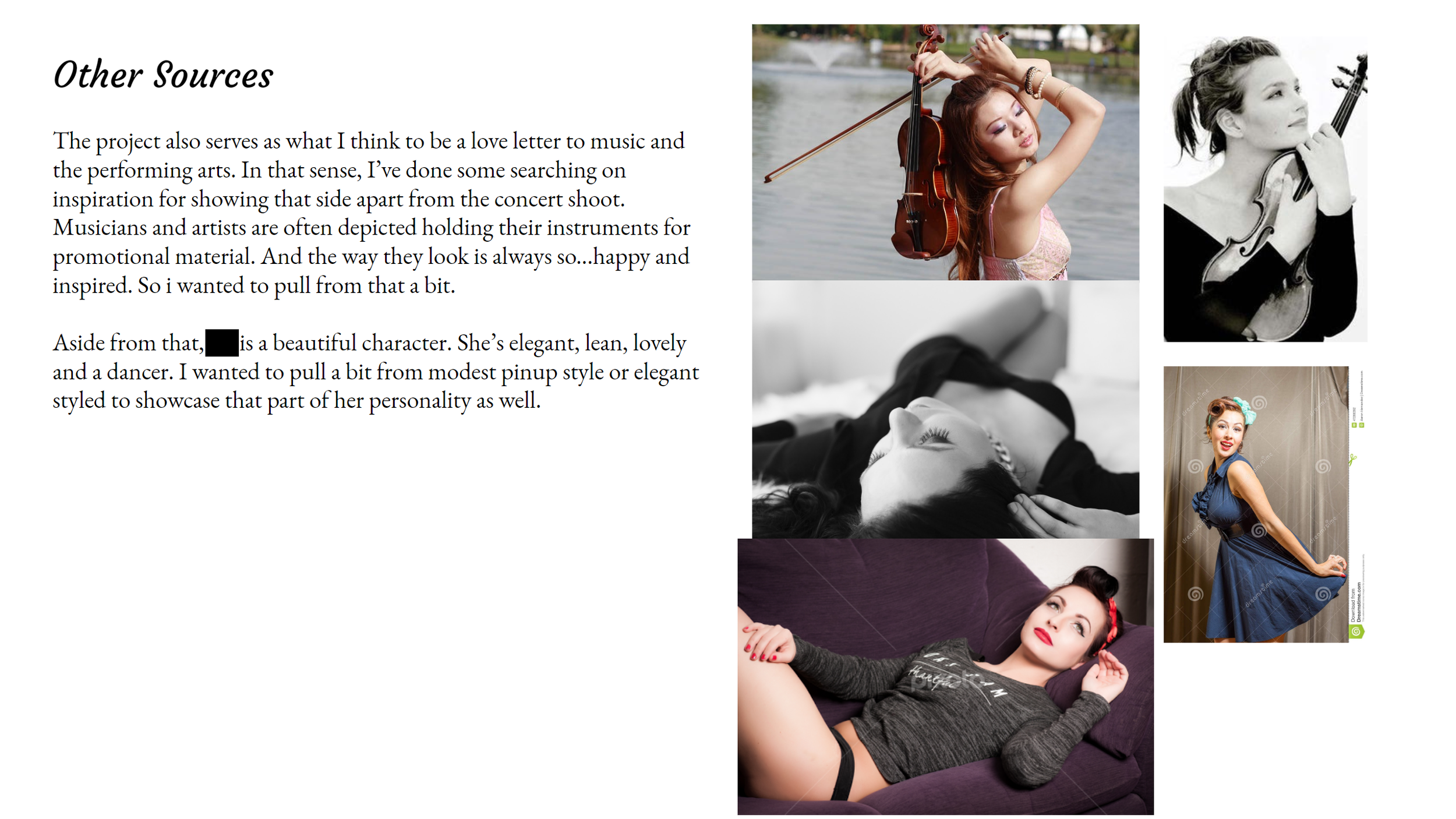
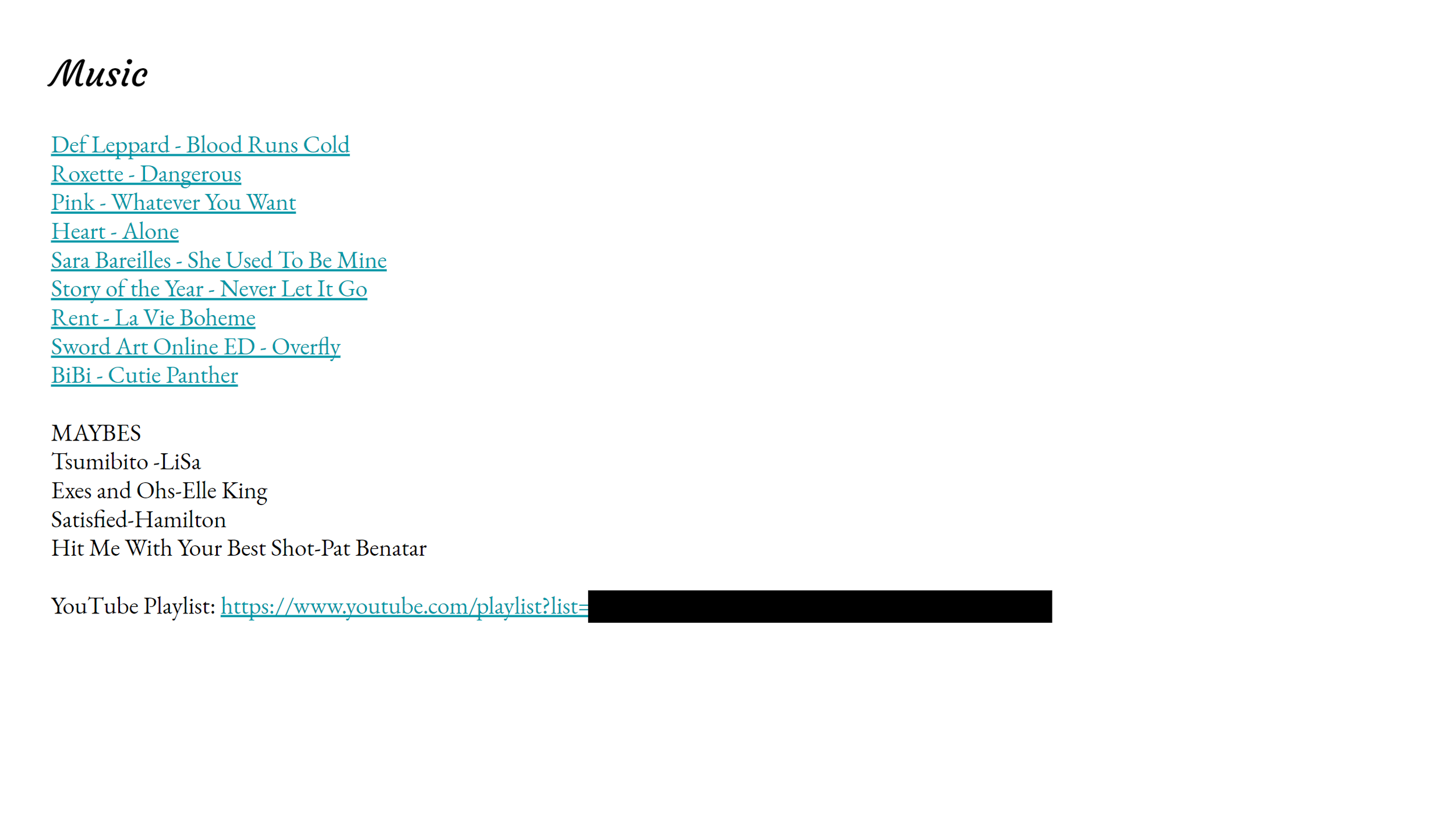
For another future project I wanted to reference a number of things that influenced my life. Namely chiptunes, chiptune visuals, the demoscene, and “cracktros”. I knew that a lot of the team had not had the same experiences I did with those subjects so I went and wrote about them. Along with giving links to videos and music to help them understand.
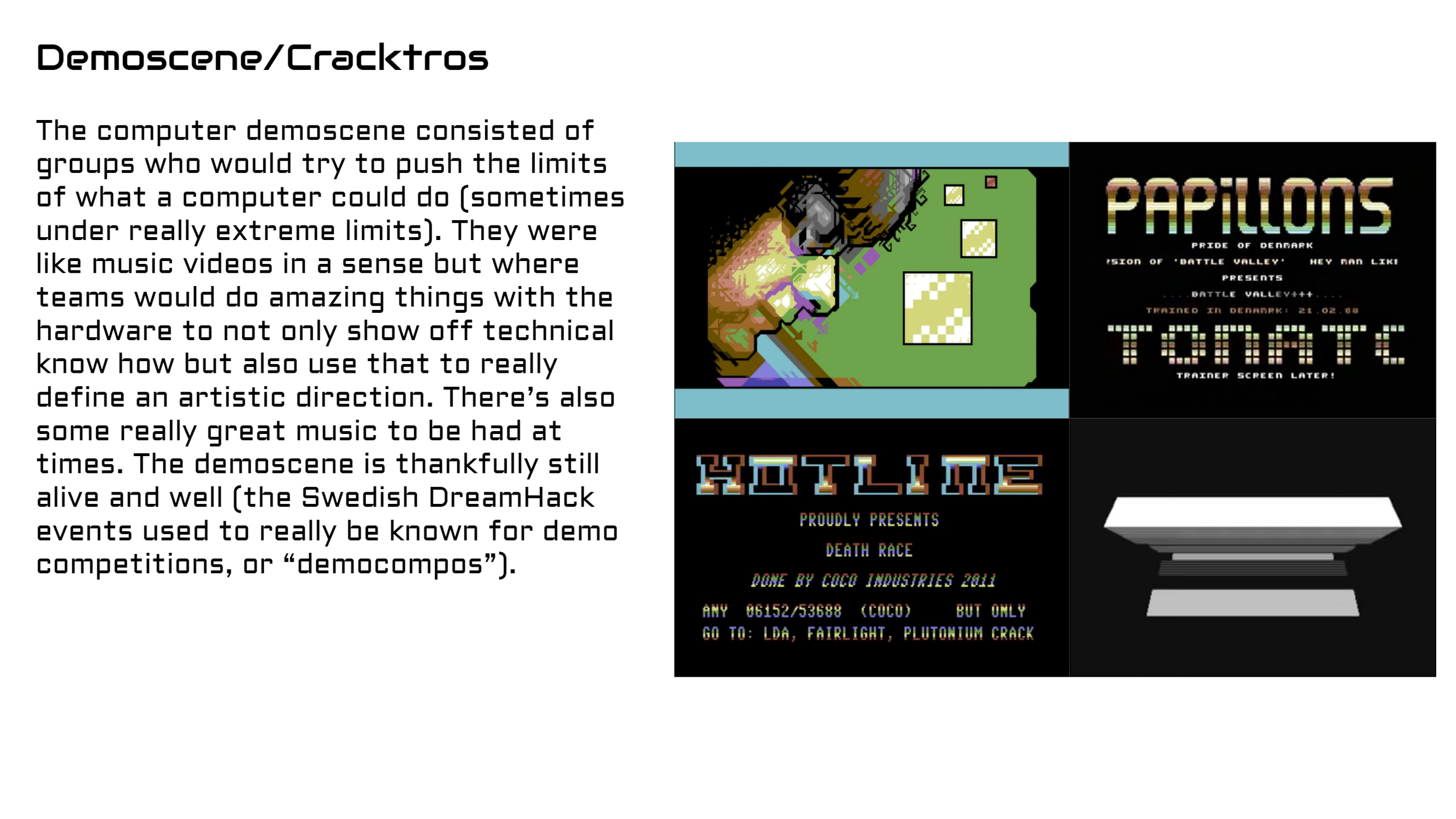
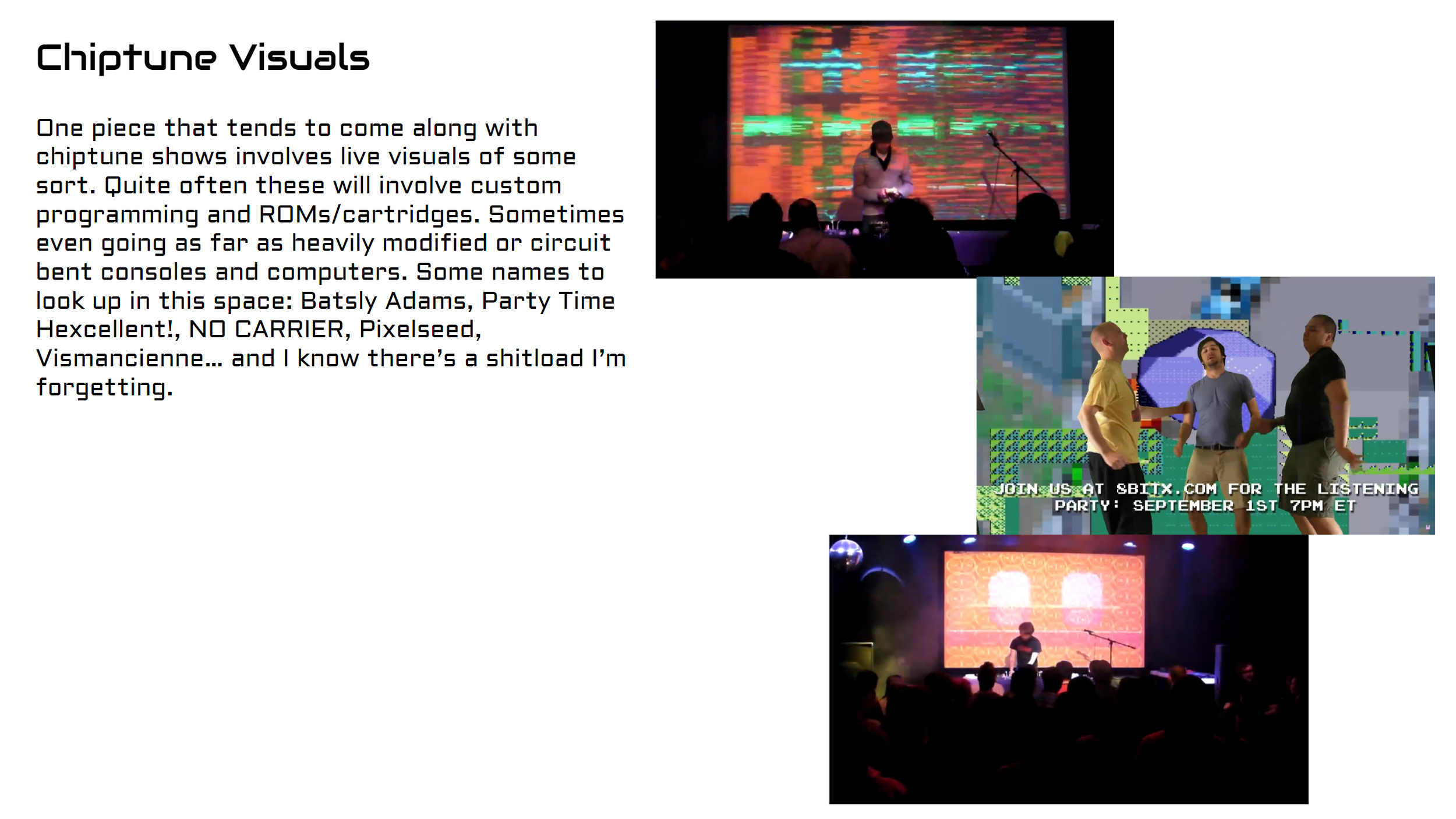
The three are probably some of our more in depth examples. There have been times where seeing the costume/outfit ideas, color scheming, and props selected will help communicate the idea without doing as much writing.
Going back to ‘mood boards’.. we tend to mostly put them together for posing direction and makeup ideas. I’ll discuss posing direction later on in this article.
Costumes, Outfits, and Wigs
If a project involves characters where the costume is pulled from official art, i.e., Love Live, then we just reference the original material. Now for projects that involve existing characters but not official outfits (think closet cosplay) or original concepts that’s where we’ll go further. We’ll have links to items we’re considering along with example images.
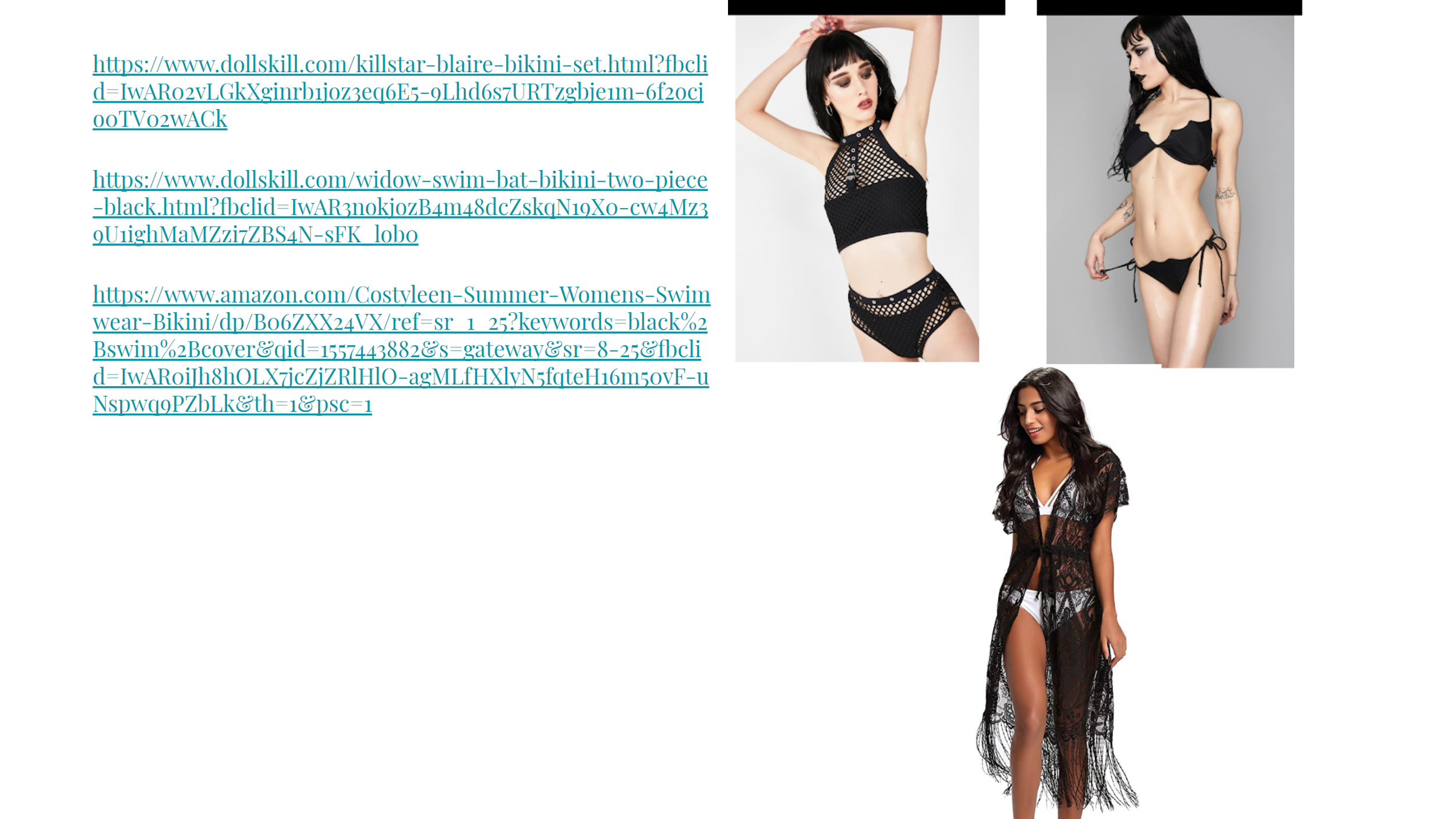
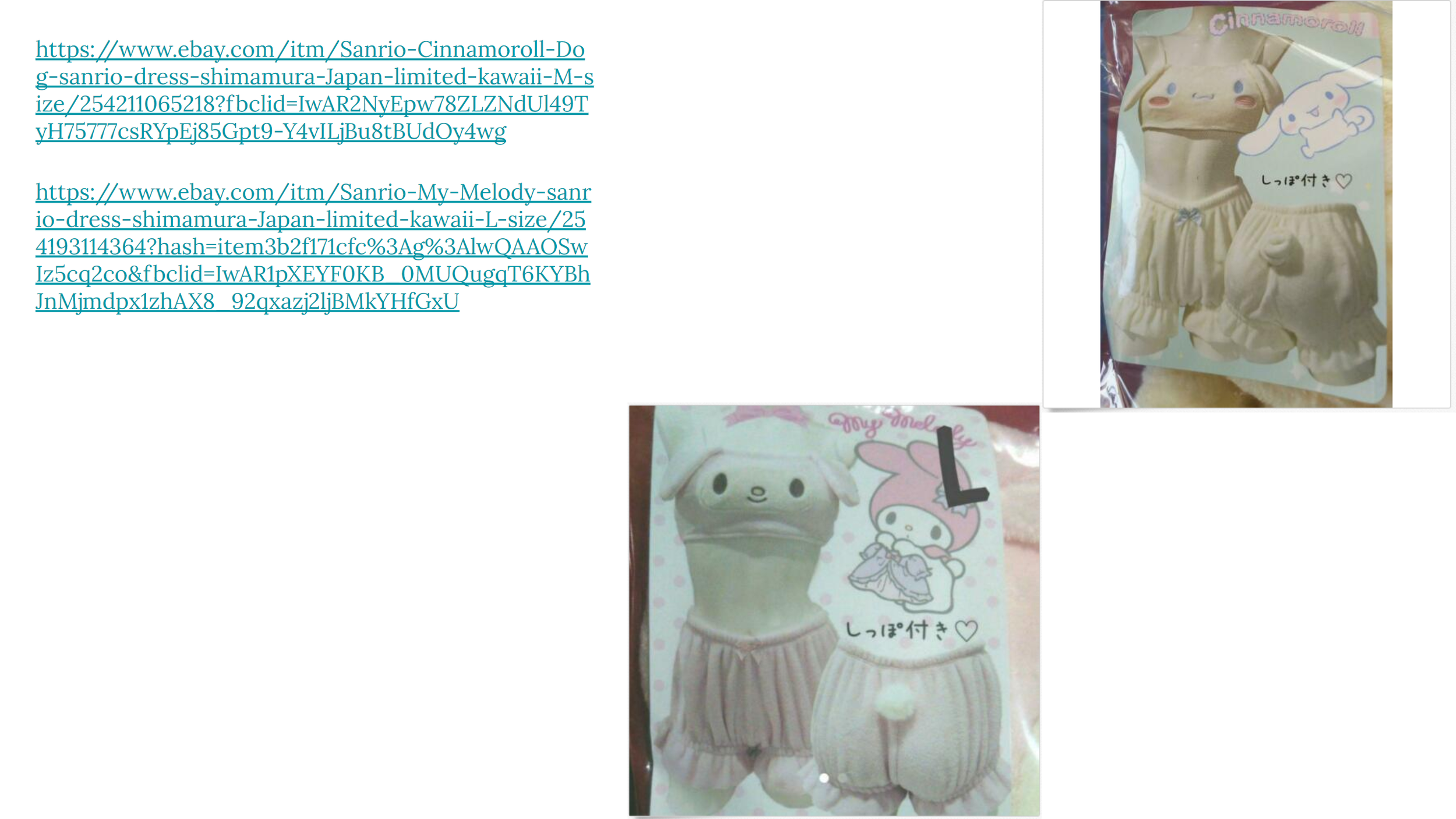
The first image is from the When The Sun Is Down I Feel Alive set and the second is from Cutesy Fun Sanrio Time!
Color Scheming
Now for one of the tools that has helped us a lot: Adobe Color (https://color.adobe.com). We use the absolute Hell out of this thing when putting a project together. Not only just for designing the idea overall but also for things like makeup. We have a tendency to go for Analogous color schemes which probably helped us define our style. Though every once in a while we’ll work with Complementary color schemes.
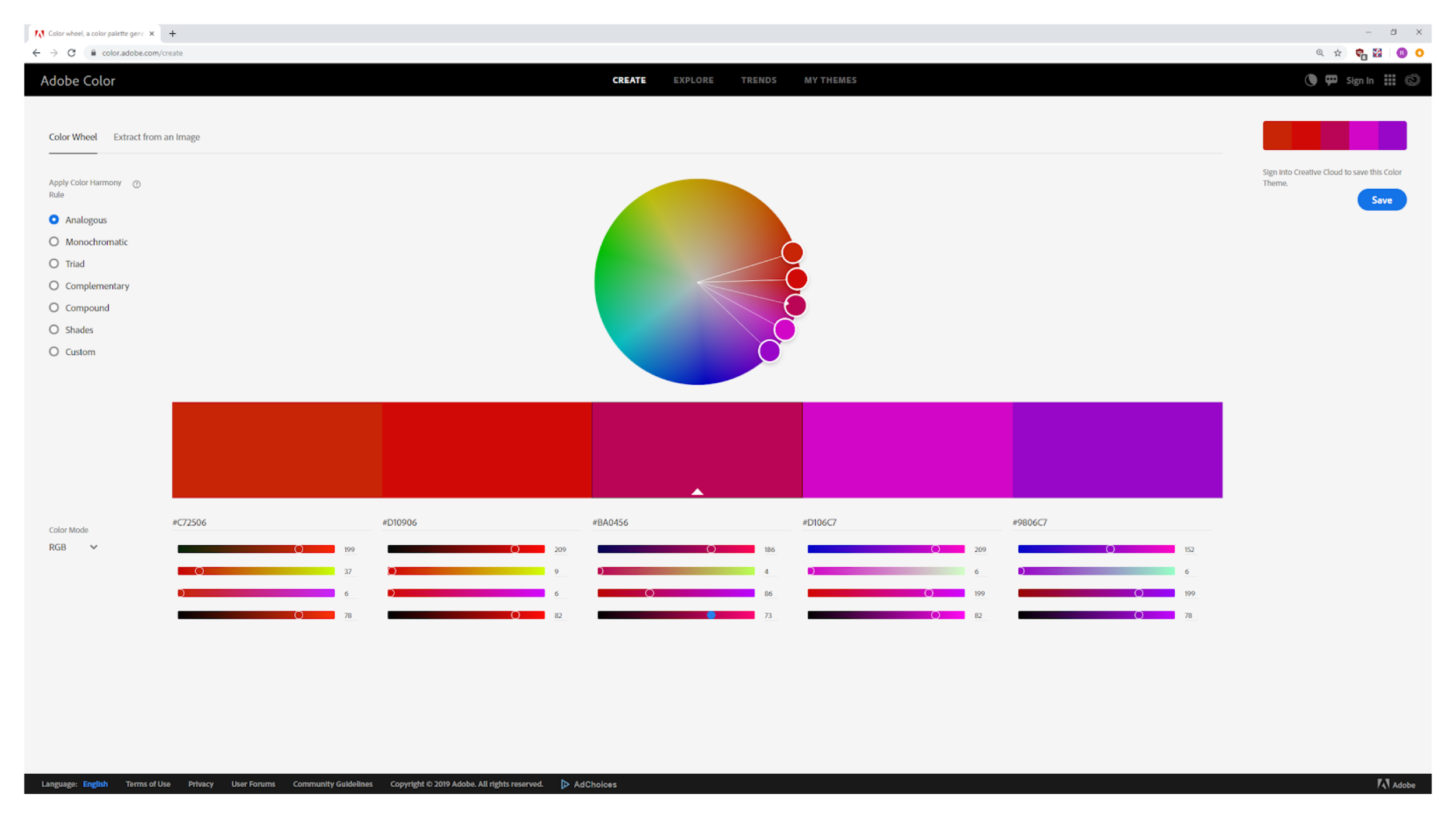
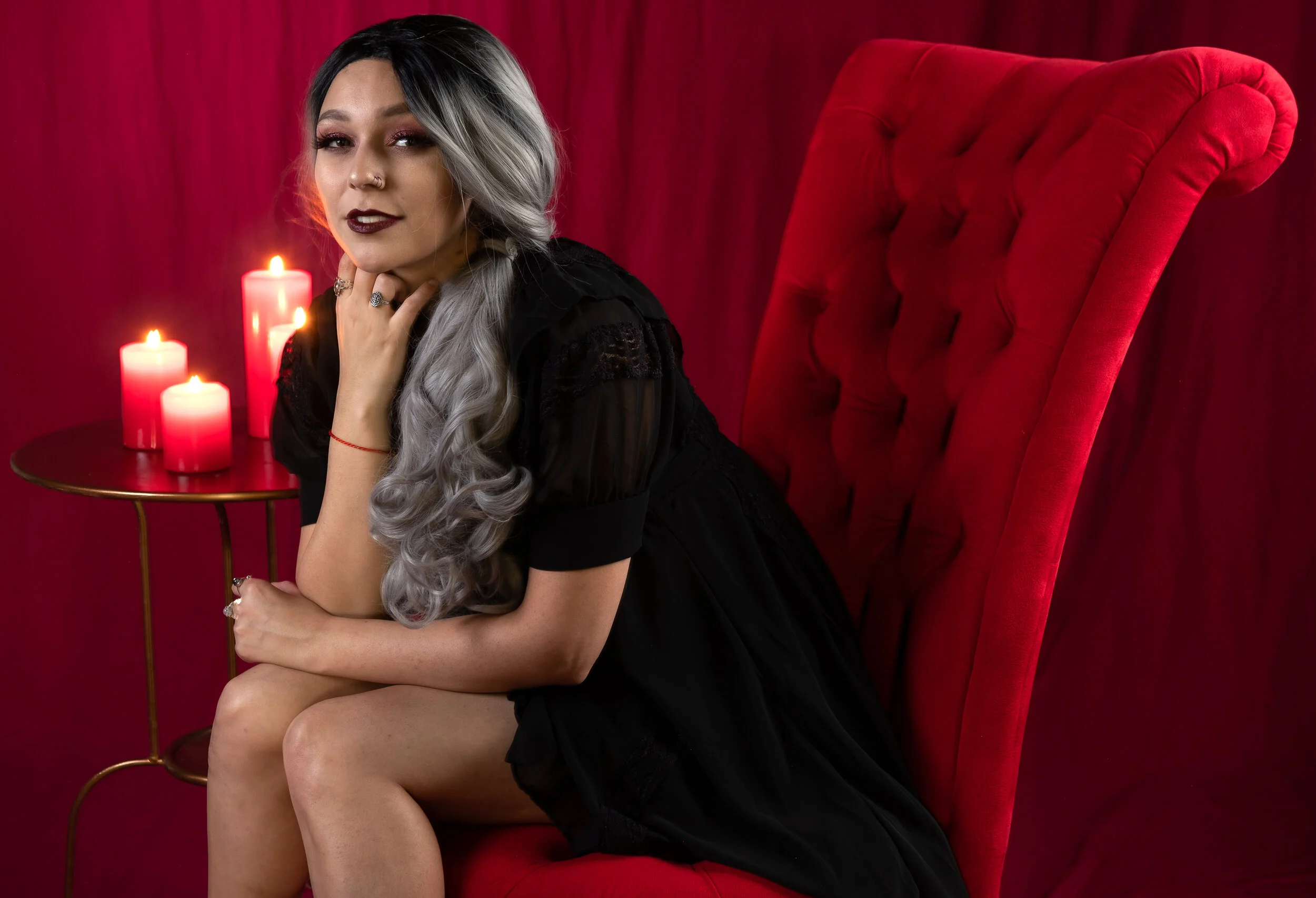
We used this particular scheme for Dark Elegance.
Props
If you’ve followed us for some time you know we love the shit out of using props. :)
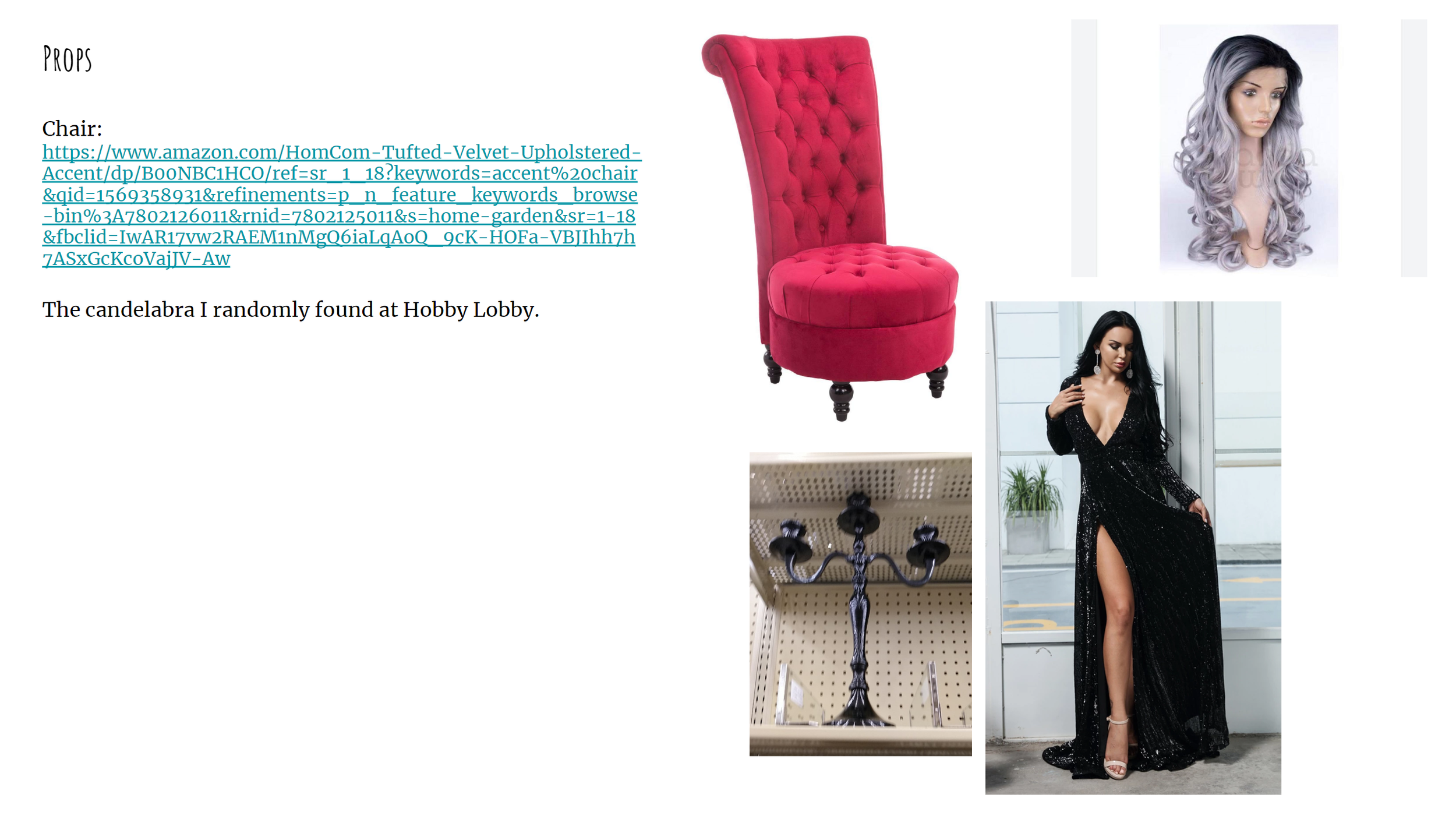
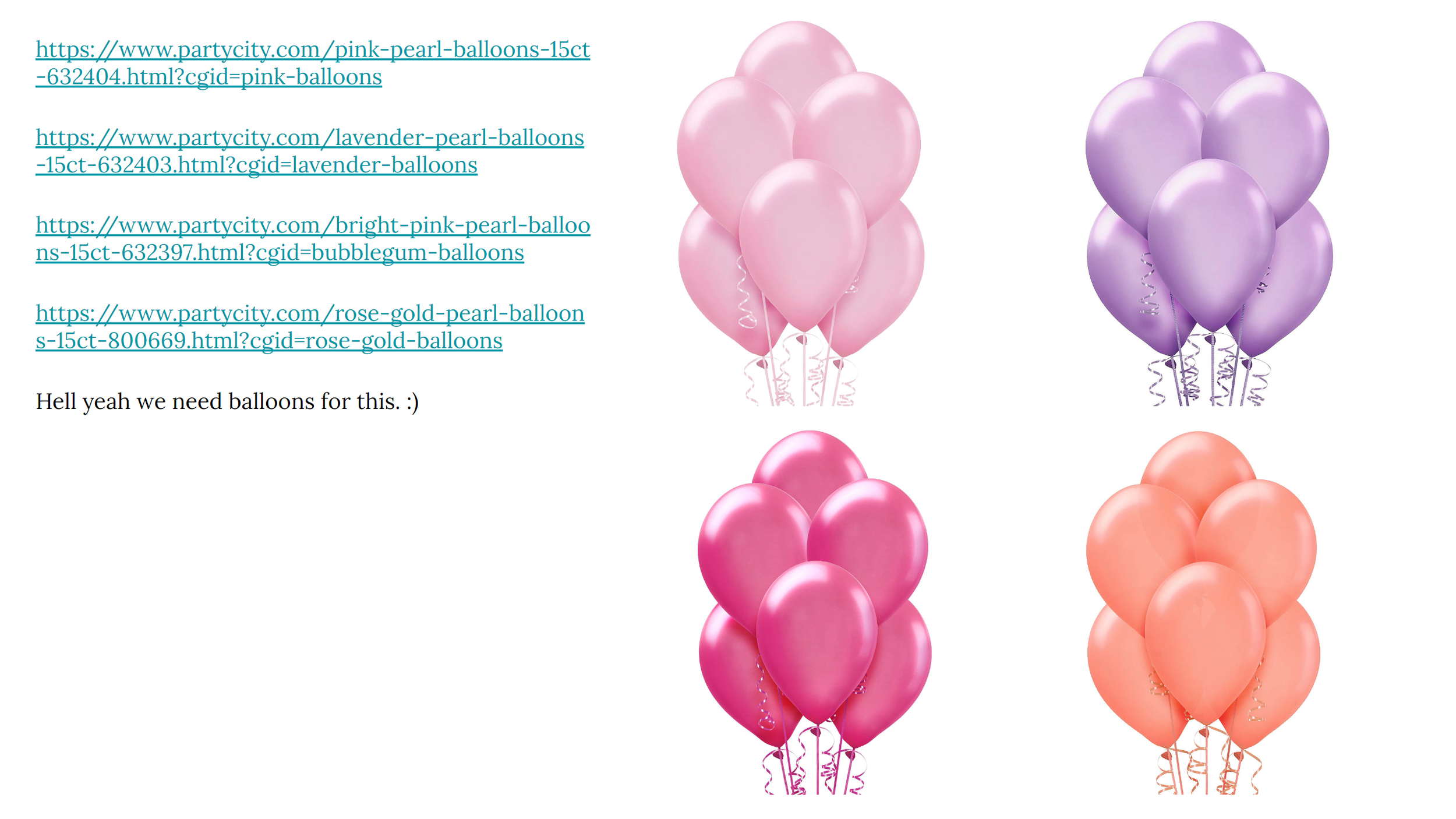
Much like Costumes/Outfits/Wigs we will have slides that contain images and links to things we’re considering using. Now we may not list everything we use in our projects as we often randomly run into items a few days before we shoot a project. We primarily will document things that we may need to hunt down online.
Posing Direction
I referred to this under Inspiration. Because these are Project Vision Documents we very specifically reference poses that we know fit the idea. But those will not be the only ones we use. We have a Poses folder on Google Drive for a wide variety of characters and situations. So that allows anyone on the team to possibly come up with a pose idea that fits with the project as we’re shooting.
Some Things Are Missing For a Reason
For those who might be reading this and are already doing some sort of project management for their ideas already you might notice I haven’t mentioned a couple of things. And there’s reasons behind that.
Location Scouting
If we’re considering using some sort of outdoors location for a project I’ll go check the place out myself and take pics. And I’ll share them in our team chat so they get an idea of what the space looks like. But I don’t specifically put those pics into our Project Vision Documents. The big reason why they’re not added is because we don’t want to shoot only in those spots. The team is really good at looking around wherever we’re at and coming up with ideas of specific spots to shoot. Having an idea of where we’re working but not being tied to certain spots because they were in the Document helps a lot.
Shot List
For the way we work, spontaneity has helped us get some great photos. Because of that writing out a dedicated shot list runs counter to that. Now I will have some ideas in the back of my mind I’d like to try. But I’m not super attached to them. If they work, great. If they don’t move on.
Now if you have a project where you know you want to have specific shots make sure to detail them out to account for both of the things I mentioned above. And really do as much pre-planning as possible to help get the result you want.
Lighting
For a lot of our setups the lighting tends to be pretty simple. So we tend not to cover that in our Project Vision Documents. If you’re planning on using complex lighting setups, say, three or more… I would suggest adding info about that as well.
Sometimes It’s Okay To (Mostly) Wing It
There have been a few times where we’ll go shoot a project just to shoot it. Aenwynn, Super Chibi Moon, and Frozen Fever were three great examples of this. But really the fact that the whole idea behind all of those was simplicity allowed us to go out and do them without a fully structured plan. When we did those I had some general idea of what I wanted to capture.
If your idea is also pretty simple then just go out and do it. And it’s okay if you do something like this and find out the idea would benefit from structure. You know what worked and what didn’t. That helps in the long run.
Final Thoughts
Never thought some concepts from my tech sector career would help me in my creative one.
There have been a few photographers I’ve come across that discuss how they go about planning their photo projects. It was just that not often I would find people that would go into detail about that process, why they used the tools they did, or why they took steps they did. Even more so in the spaces we work. That’s why I wanted to give a detailed behind the scenes look of how we put all these pieces together in a way everyone on the team can understand. And maybe this info can help you as well.
P.S. If you found this article in any way useful then please consider supporting us via Tip Jar!
